01
截取 / Capture
自动识别滚动区域,逐屏截图并按顺序保存。 Detect the scroll area and capture it frame by frame.
独立开发者做的
本地截图 + 分卷 PDF 工具
Keep even the longest pages, properly.
把 300–500 页在线文档,稳定导出为本地分卷 PDF。Save very long online documents as reliable, split PDF volumes.
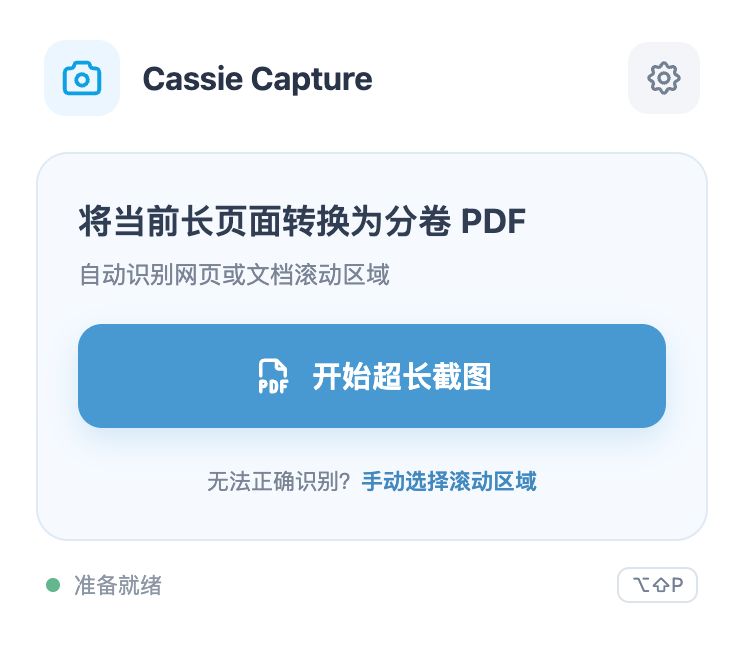
One calm button. 一个安静、明确的开始。
Built for the awkwardly long stuff
自动逐屏截图 → 本地暂存 → 分卷导出为连续 PDF。 Capture, store locally, then export in manageable parts.

How it works
Three small steps, designed to keep memory use predictable.
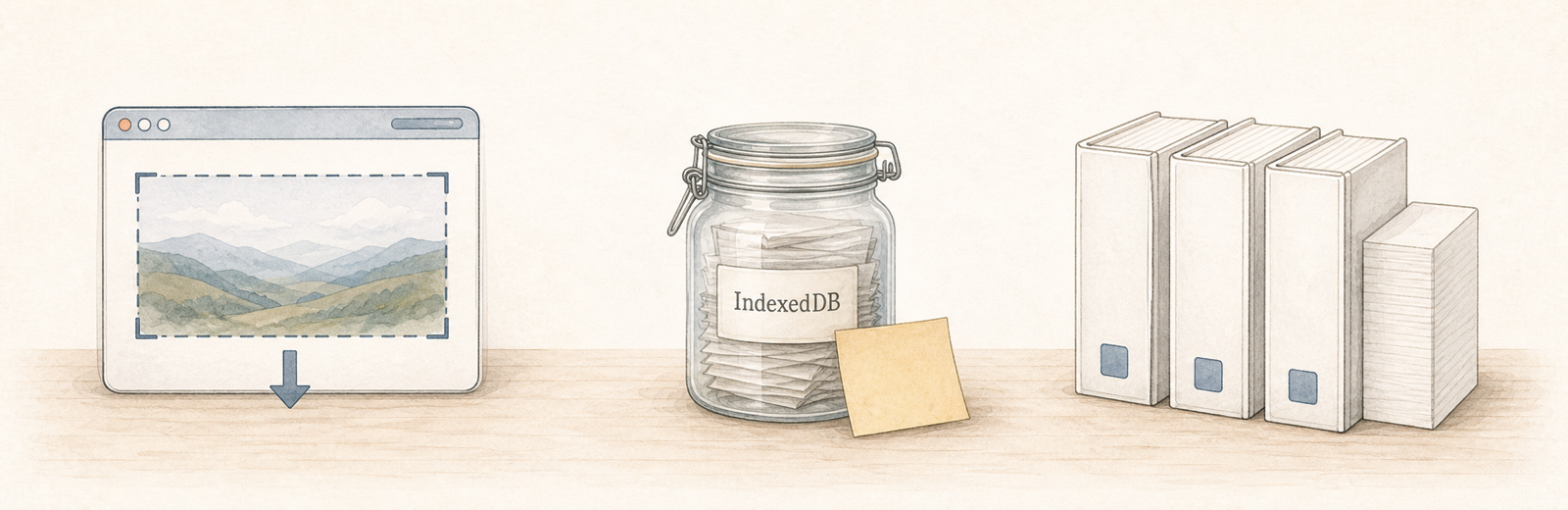
自动识别滚动区域,逐屏截图并按顺序保存。 Detect the scroll area and capture it frame by frame.
每帧立即写入本机 IndexedDB,不上传,也不把整页塞进内存。 Every frame stays local.
默认每 100 页导出一卷 PDF,长文档也能稳定完成。 Export stable, numbered PDF parts.
A focused tool, not an everything tool
Others do more. PageParcel goes deeper on one hard job: 超长在线文档的稳定、本地、自动分卷保存。
Best for quick screenshots
更适合普通网页截图,不以数百页在线文档分卷为核心场景。
查看官方能力 / Official detailsBest for annotation
编辑和多格式更强;Cassie 更专注超长文档的本地暂存与自动分卷。
查看官方能力 / Official detailsBest for rich PDF export
专业导出能力丰富;Cassie 的优势是更窄、更明确的长文档保存流程。
查看官方能力 / Official detailsMade for very long docs
Image-based PDF,不做标注;换来的是简单、专注和全程本地处理。
查看源码 / View sourceChoose PageParcel when: 你要保存的是 Google Docs、飞书文档或其他数百页的滚动内容,而且更在意稳定、本地与自动分卷。 如果你需要标注、打码、云端同步或可搜索文字,通用截图工具会更合适。

Ready when the document is
无需登录,无需上传,开箱即用。 No account. No upload. Just capture.
在 GitHub 下载